You have built a way of working that serves your business. Rufio gives you more ways to carry it forward: connected information, work prepared for your review, custom tools, and routines you control.
Bring the details together
Your tools hold the pieces. Rufio helps connect them.
A customer request can touch your calendar, estimates, invoices, messages, and forms. Each holds useful information. Rufio brings connected records into the same conversation so you can see the full story, prepare a response, or coordinate several steps with one request.
Work across separate tools
Client suite
Scheduling link
Invoicing app
Business phone
Forms
AI tab
You bring the details together
Each tool holds part of the story.
↓
With Rufio
Rufio
Customers
Calendar
Money
Inbox
Documents
Work
Connected details. More ways to act. Your direction.
You know what matters in those details. Rufio helps you put them to work.
Explore the possibilities
Familiar categories. A different job.
See how Rufio brings customer records, tools for your trade, and AI into the work you want to do.
Versus the suites
Put the information to work.
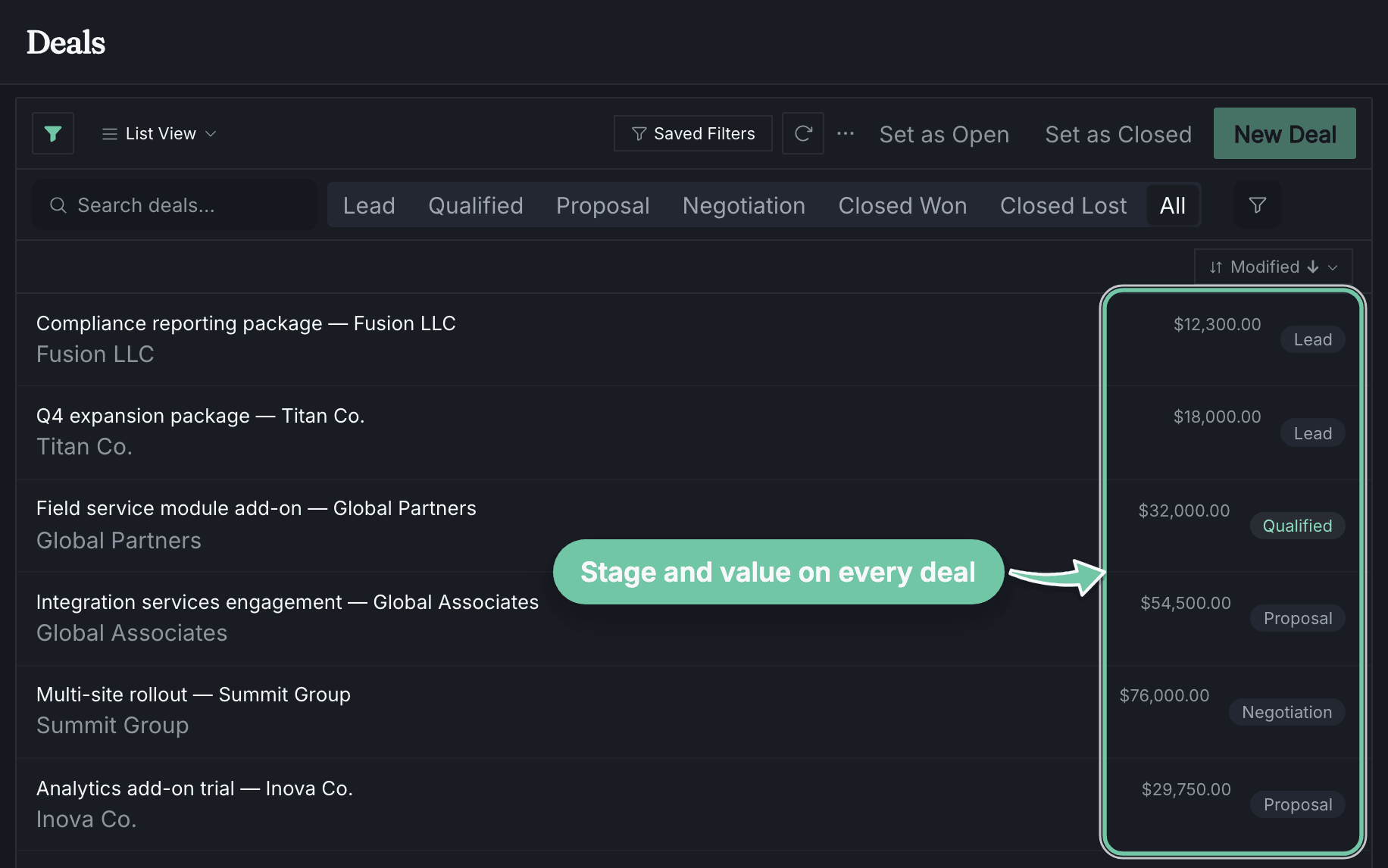
Rufio connects customer records with the next steps you choose: preparing quotes, following up, scheduling work, and tracking the result.
Keep pipelines, forms, contracts, and invoices together.The customer history is there when you need to make a call.
Ask Rufio to help with what comes next.It can prepare the work for review or carry out a routine you have authorized, with a record of what happened.
rufio — pipeline
Customer details and open opportunities, ready to work from
Built for your control
The capability is there. You choose how to use it.
Connected by design
The details stay with the work.
Rufio works from the same customer, schedule, and invoice records you use. You can inspect the details behind a suggestion or action.
Work across separate tools
Client suite
Scheduling link
Invoicing app
Business phone
Forms
AI tab
You bring the details together
Each tool holds part of the story.
↓
With Rufio
Rufio
Customers
Calendar
Money
Inbox
Documents
Work
Connected details. More ways to act. Your direction.